
Battery Health Check Guides
In-depth, step-by-step articles on checking battery condition on laptops, Windows 10, Windows 11, iPhone and Android, along with shortcuts, software and online methods.
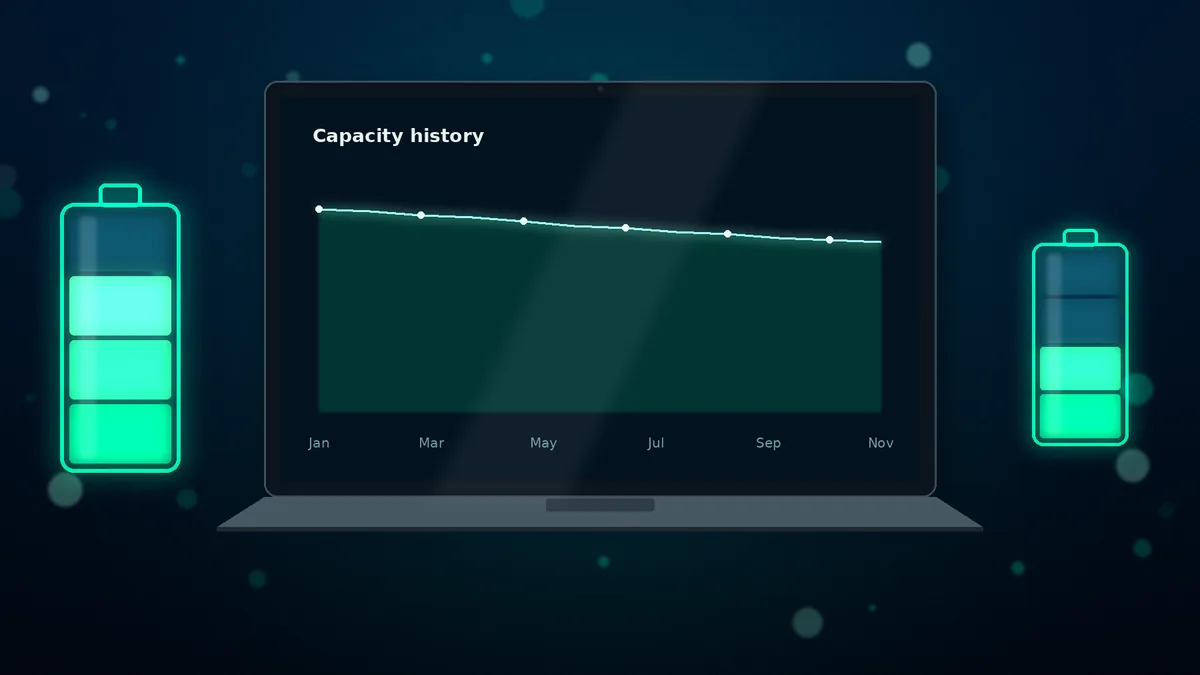
Battery Health Check Laptop: The Complete Guide to Testing Any Notebook
How to measure the real condition of a notebook battery on Windows, macOS, ChromeOS and Linux, what the numbers mean, and how to decide between care and replacement.
Read guide · 10 min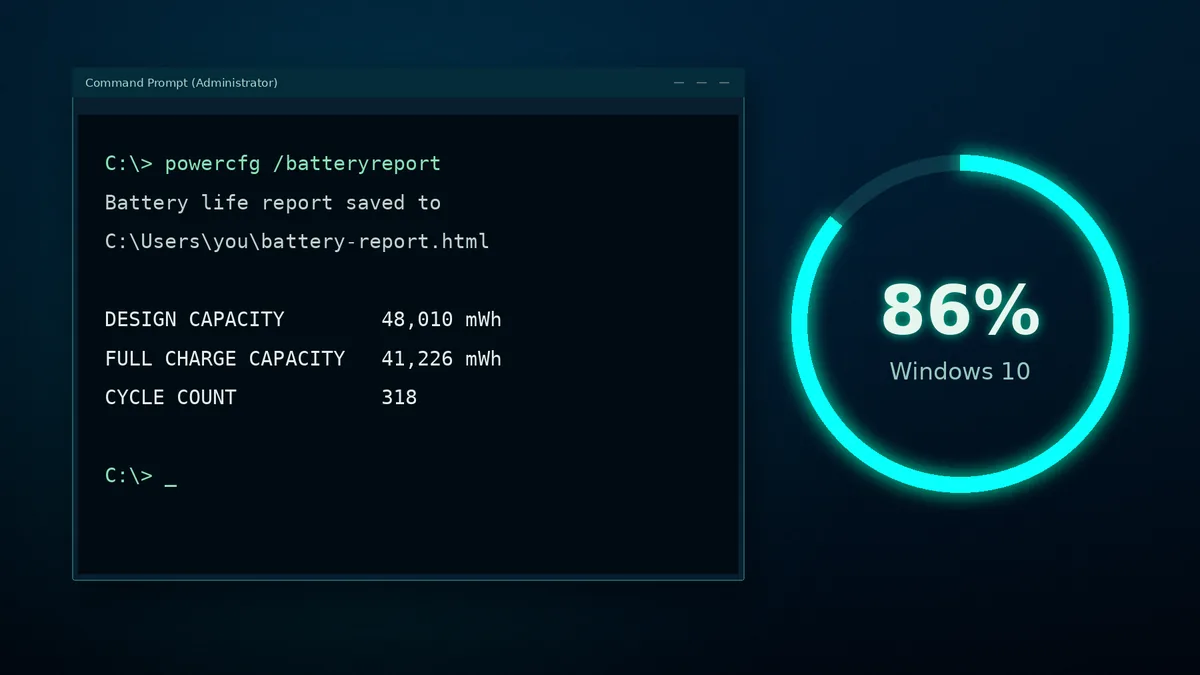
Battery Health Check on Windows 10: Every Method, Step by Step
A practical walk-through of the built-in battery report, PowerShell queries and dedicated tools on Windows 10, with clear guidance on reading every figure.
Read guide · 9 min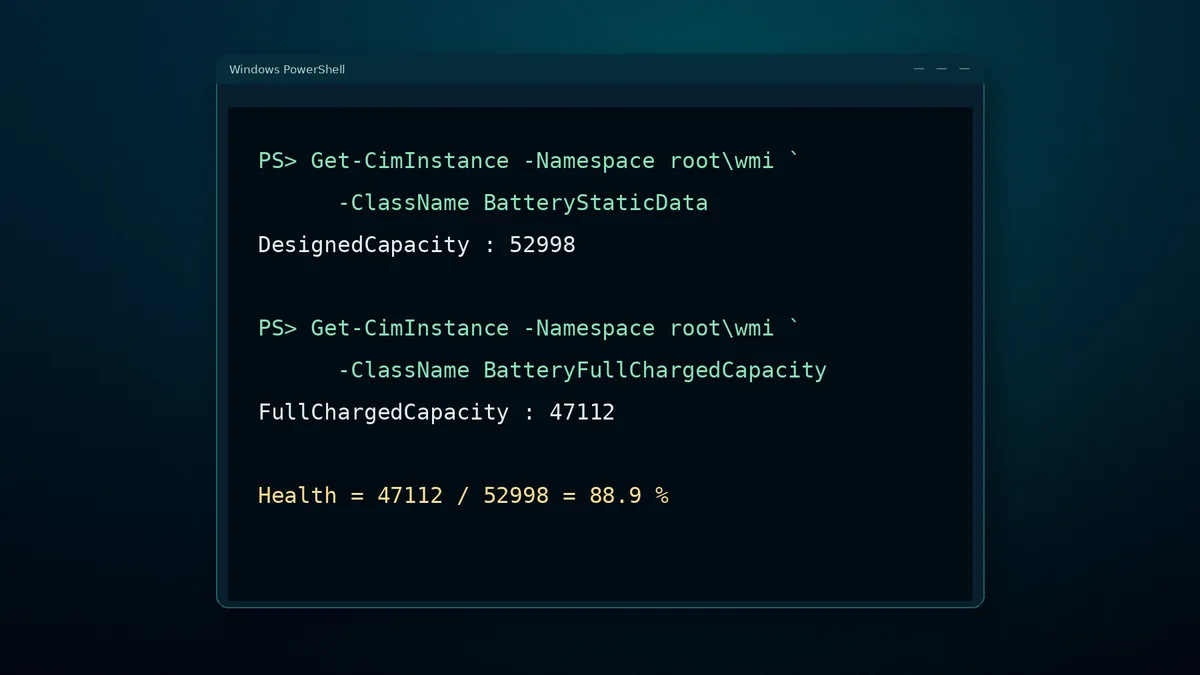
Battery Health Check on Windows 11: Accurate Methods for Modern Laptops
Windows 11 hides battery health behind the scenes. Here is how to surface it with Terminal, PowerShell and dedicated tools, and how to automate monthly checks.
Read guide · 9 min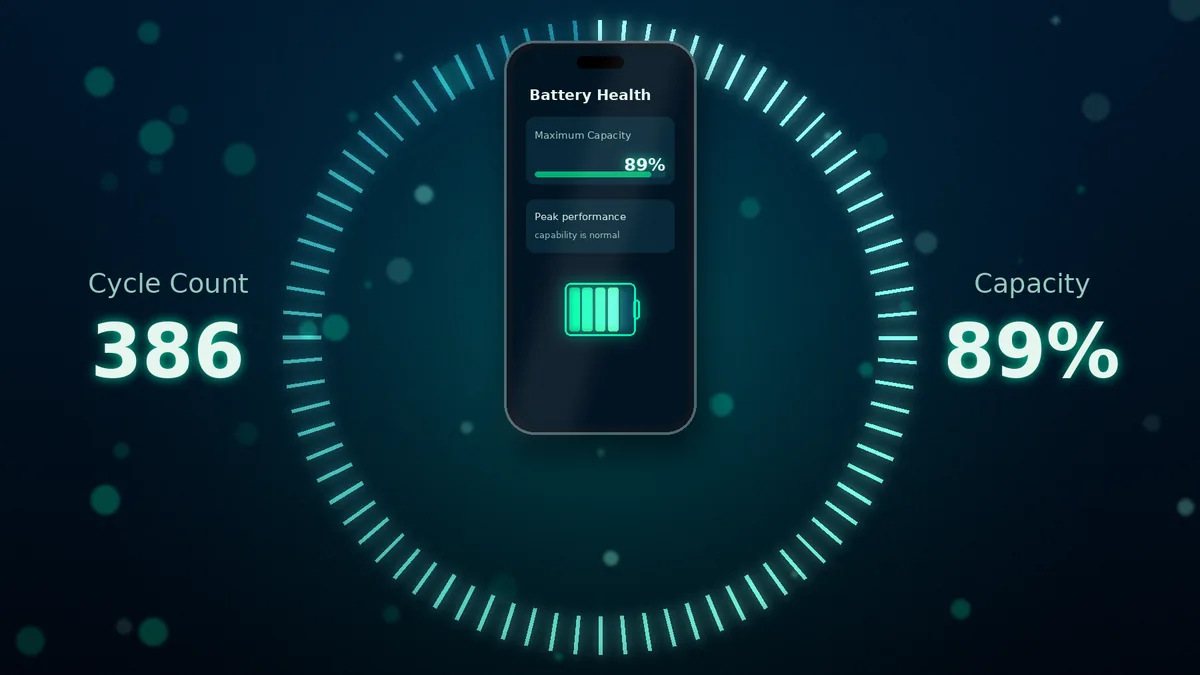
Battery Health Check on iPhone: Maximum Capacity, Cycle Count and What They Mean
Where iOS shows battery condition, how to read Maximum Capacity and cycle count, what the peak performance messages mean and how to keep an iPhone battery healthy for longer.
Read guide · 9 min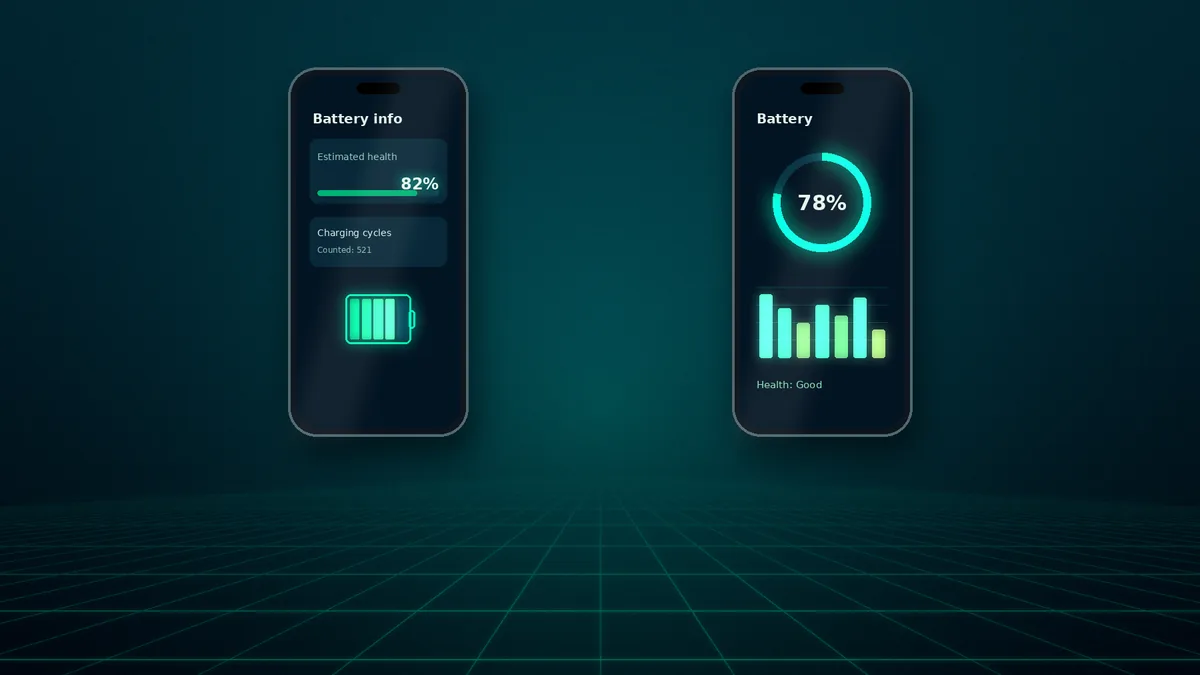
Battery Health Check on Mobile: Testing Android Phones and Tablets
Android manufacturers report battery condition in very different ways. This guide maps out the built-in screens, codes, tools and apps that reveal the truth on each.
Read guide · 9 min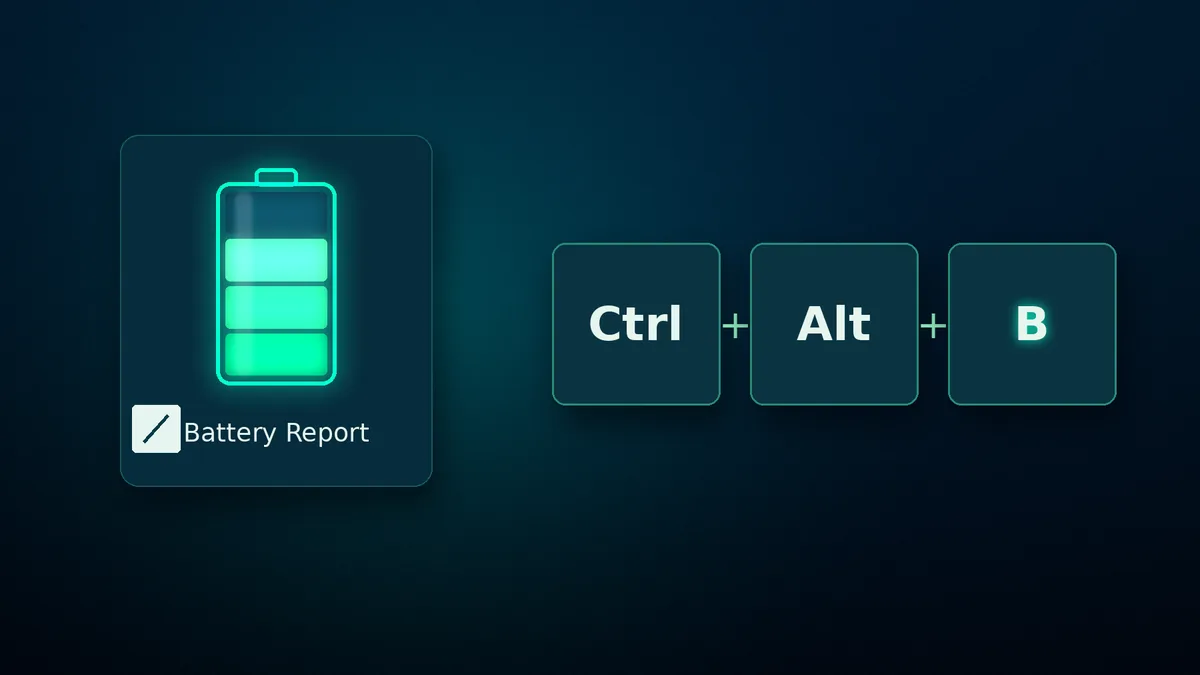
Battery Health Check Shortcut: One-Click Battery Reports on Every Device
Turn a multi-step battery check into a single click or key press with desktop shortcuts, hotkeys, small scripts and automations for Windows, macOS, iPhone and Android.
Read guide · 9 min
Battery Health Check Software Free Download: Safe, Reliable Choices
What to expect from free battery software, how the leading options compare, and the download practices that keep your computer safe while you check your battery.
Read guide · 9 min
Battery Health Check Online: What Browser Tools Can and Cannot Measure
Websites promise instant battery diagnostics, but browsers see far less than you might think. Here is what online checks really measure and how to get trustworthy results.
Read guide · 9 min